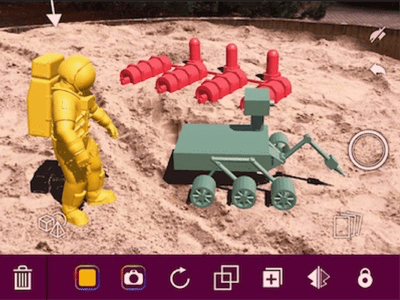
Augmented Reality, or AR, is described by Jaime Donally in a recent edWebinar as a “digital layer in our real world that gives an illusion that it exists in our space.” She highlights that it is an exciting time, as emerging technologies associated with AR are feeling much more realistic. AR software such as Google Maps allows the viewer to have guidance as they are walking in a new area, and AR embedded browsers can display 3D animated objects in real-life environments. The key to giving students opportunities to engage in augmented reality begins with supporting teachers as they enhance learning experiences for students. Using AR software and tools such as 3DBear and MERGE, teachers have access to an abundance of activities and lesson plans that offer more in-depth content, provide opportunities for collaboration and exploration, and expand students learning experiences outside of classroom walls.